How to spot the ghost traffic hiding in your Google Maps analytics report
How to Spot Ghost Traffic Hiding in Your Google Maps Analytics Report
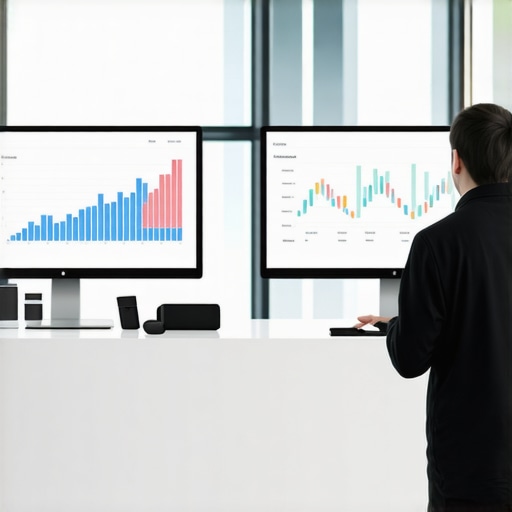
You open your Google Business Profile (GBP) dashboard and see a massive spike. Your “Views” are up by 400%, and the “Interactions” chart looks like a mountain range. On paper, your google business profile seo strategy is a triumph. But there is a glaring problem: your phone hasn’t rung in three days, and your inbox is empty of new leads. This disconnect is the “High Traffic, Low Leads” paradox, and it is a plague currently affecting thousands of local businesses.
As a specialist in google business profile optimization, I see this daily. Business owners are being misled by vanity metrics that look impressive in a monthly report but contribute zero dollars to the bottom line. This phenomenon is known as “Ghost Traffic.” It consists of bot-driven impressions and clicks designed to mimic human behavior, and if you don’t know how to spot it, you are making business decisions based on a lie. Understanding The Reason Your Arizona SEO Company Reports Traffic But No One Is Calling is the first step toward reclaiming your marketing budget from the void of automated scripts.
Recent research, including deep dives into community forums like Reddit, confirms that the bot problem is worsening. Bots are no longer just simple scripts; they are sophisticated entities that click on local profiles to “age” a browser profile. By interacting with legitimate businesses, these bots appear more human to Google’s algorithms, allowing them to later carry out click fraud or post fake reviews without being flagged. For the business owner, this means your “ranking” might be an illusion generated by a gmb ranking service using artificial signals rather than real customer intent.
Section 2: Defining Ghost Traffic in the GBP Ecosystem
To understand ghost traffic, we must first differentiate it from the spam referrals you might see in GA4. In Google Analytics, you can often identify bot traffic by looking at hostnames or service providers. However, the Google Business Profile dashboard is a “black box.” Google provides a simplified view of performance that hides the technical metadata necessary to easily filter out non-human users.
Ghost traffic in the GBP ecosystem typically originates from three sources: rank trackers, scraping bots, and low-quality local seo services using click farms. When a google maps rank tracker checks your position 50 times a day from 50 different simulated locations, those checks often register as “Views” or “Impressions” in your dashboard. While professional tools like google business profile seo software try to minimize this footprint, cheaper alternatives flood your analytics with noise.
Furthermore, many businesses unknowingly hire a gmb ranking service that uses “CTR manipulation.” These services use bot networks to click on your listing, hoping to trick Google into thinking your business is popular. While this might provide a temporary boost, it creates a massive data integrity issue. You can no longer tell if your actual customers are finding you or if you are just watching a script run in a data center in another country.
Section 3: 4 Red Flags of Ghost Traffic in Your Performance Report
Identifying ghost traffic requires a keen eye for anomalies. If you notice any of the following patterns, it is highly likely your data is being skewed by bots. I highly recommend learning How to audit your GMB profile for ghost traffic markers to protect your business from these deceptive metrics.
1. The Impression-to-Action Gap
This is the most common indicator. If your “Search Views” or “Map Views” skyrocket by 50% or more, but your “Direction Requests,” “Calls,” and “Website Clicks” remain flat, you are looking at ghost traffic. Real human beings who find a local service usually have a high intent to interact. A massive surge in visibility without a corresponding surge in intent is statistically impossible in a healthy local market. This is one of the 4 Warning Signs Your Arizona SEO Company is Reporting Ghost Traffic.
2. Geographic Anomalies
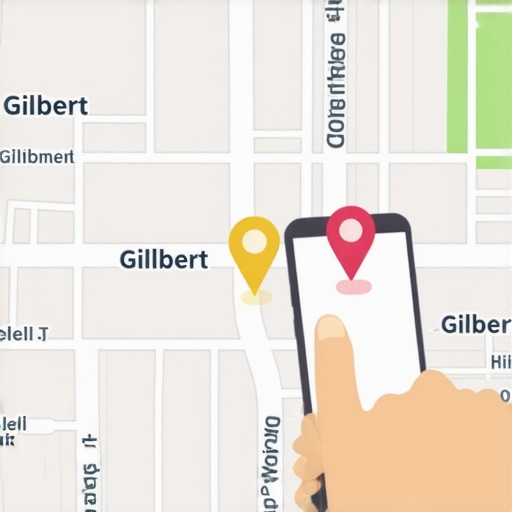
Google Business Profile insights will often show you which zip codes or cities your direction requests are coming from. However, the “Views” data is less granular. If you are a plumber in Gilbert, Arizona, and you are suddenly getting thousands of views but no one is calling, check your broader analytics. Are you ranking for terms in areas you don’t serve? Bots often use proxies that don’t perfectly align with your service area. Understanding Why the proximity filter hides your Gilbert shop from nearby customers can help you realize that while you might be “visible” globally to bots, you are invisible locally to humans.
3. The “Non-Business Hours” Surge
Analyze when your traffic spikes occur. Most local businesses follow a standard bell curve: traffic starts at 8:00 AM, peaks at lunch, and tapers off after 6:00 PM. Ghost traffic, however, doesn’t sleep. If you see significant spikes at 3:00 AM local time, it’s a bot. Automated scripts often run on schedules that have nothing to do with human behavior in your specific time zone.
4. Keyword Irrelevance
Look at the “Keywords used to find your business” section. If you see high volumes for “ghost” keywords – terms that are tangentially related but have no commercial intent – you are likely being scraped. For example, if you are a law firm and you see a spike in traffic for “how to write a letter,” those aren’t clients; those are bots or students scraping information. Using a dedicated google business profile audit tool can help you separate these junk keywords from high-intent local searches.
Section 4: The Role of Bots and Click Fraud
Why is this happening? It isn’t always a direct attack on your business. Often, your profile is just a “collateral interaction.” Criminals and “black hat” marketers create thousands of fake websites and monetize them with AdSense. To keep these accounts from being banned, they use bots to browse the web, clicking on local listings, watching videos, and mimicking a “real” user’s journey. This “warms up” the browser cookies, making the bot appear like a legitimate local resident when it eventually clicks on an ad that pays the fraudster.
Many business owners believe that IP address blocking is the solution. Unfortunately, in the world of modern google maps ranking service operations, IP blocking is mostly a gimmick. Sophisticated bots use residential proxies. These proxies route the bot’s traffic through the home internet connections of real people in Gilbert or Mesa. To Google, the traffic looks like it’s coming from a local household. This is why you need high-quality google maps ranking service providers who understand how to filter this noise at the behavioral level rather than just the IP level.
These bots also use anti-fingerprinting technology. They can change their “User Agent,” screen resolution, and even simulated battery level to ensure they don’t look like a server in a rack. This makes the job of rank higher on google maps much more difficult, as the “noise” in the data makes it hard to see which optimizations are actually working for real customers.
Section 5: How to Conduct a Manual “Ghost Traffic” Audit
If you suspect your data is compromised, follow this step-by-step guide to perform a manual audit. This process is essential for anyone serious about rank google business profile success.
- Open the GBP Performance Tab: Set your date range to the last 6 months. Look for “spikes” that don’t correlate with holidays or specific marketing campaigns.
- Compare Platform Data: Bots are frequently desktop-heavy because it is cheaper to emulate a desktop browser than a mobile device with full GPS sensor data. If your “Desktop Views” are significantly higher than “Mobile Views” for a local service (like a tow truck or a locksmith), that is a massive red flag. Real local intent is almost always mobile-dominant.
- Analyze Business Profile Interactions: Go beyond the “Views” and look at “Interactions.” Filter by “Messages,” “Calls,” and “Bookings.” If the ratio of Views to Interactions is lower than 1%, you are likely dealing with a ghost traffic infestation.
- Cross-reference with CRM/Call Tracking: This is the ultimate “truth” test. Use a google maps rank tracker to see where you rank, but compare that ranking to your actual call logs. If your rank tracker says you are #1, but your CRM shows zero leads from that area, the traffic reported in GBP is likely non-human.
To get a clearer picture, you should use professional local seo tools. A robust google business profile audit tool can simulate searches from specific coordinates without triggering the “view” count in the same way a standard browser would, giving you a cleaner look at your actual local map pack seo performance. I recommend using local seo tools that prioritize data accuracy over vanity numbers.
Section 6: Future-Proofing for 2026: Proximity and Video Verification
The landscape of google maps seo is shifting. Google is well aware of the bot problem and is moving toward more aggressive verification methods. We are already seeing a massive uptick in mandatory video verifications, where business owners must show their tools, their location, and their business license in a live recording. This is a direct response to the “ghost” profiles created by bot networks.
By 2026, we expect Google to implement even stricter proximity filters. The era of “ranking for the whole city” from a single tiny office is ending. Real local seo software will focus on hyper-local proximity signals. If you are currently seeing high traffic from far-away neighborhoods, enjoy it while it lasts, but be prepared for the “Proximity Glitch” to correct it. You can learn more about this in my guide on How to Fix the 2026 Google Maps Gilbert Proximity Glitch.
Cheap SEO plans often rely on bot traffic to show “results” in the first 30 days. They use automated local seo automation tools to inflate your numbers so you keep paying the retainer. However, real growth comes from rank in google map pack results driven by real human reviews, local backlinks, and optimized entity signals. Don’t let a “cheap” service ruin your long-term data integrity.
Section 7: Conclusion & CTA
In the world of local search, vanity metrics are the enemy of ROI. If your Google Business Profile reports are showing thousands of views but your business isn’t growing, you are likely a victim of ghost traffic. Whether it’s caused by scraping bots, click fraud, or a low-quality gmb ranking service, the result is the same: you are flying blind.
Don’t be fooled by high numbers that don’t translate into phone calls. It is time to audit your profile, filter out the noise, and focus on real google business profile seo. To see how your business actually ranks without the bot noise, I encourage you to use local seo automation tools from SEO Viper Tools. Get a real look at your local ranking health today and start making decisions based on data, not ghosts.